What Your Inverter's Blinking Light Is Actually Telling You
Green, amber, red, blinking — your solar inverter is trying to talk to you. Here's a plain-English decoder for the common status lights and fault families, and what's safe to check versus when to call a pro.
Last verified:
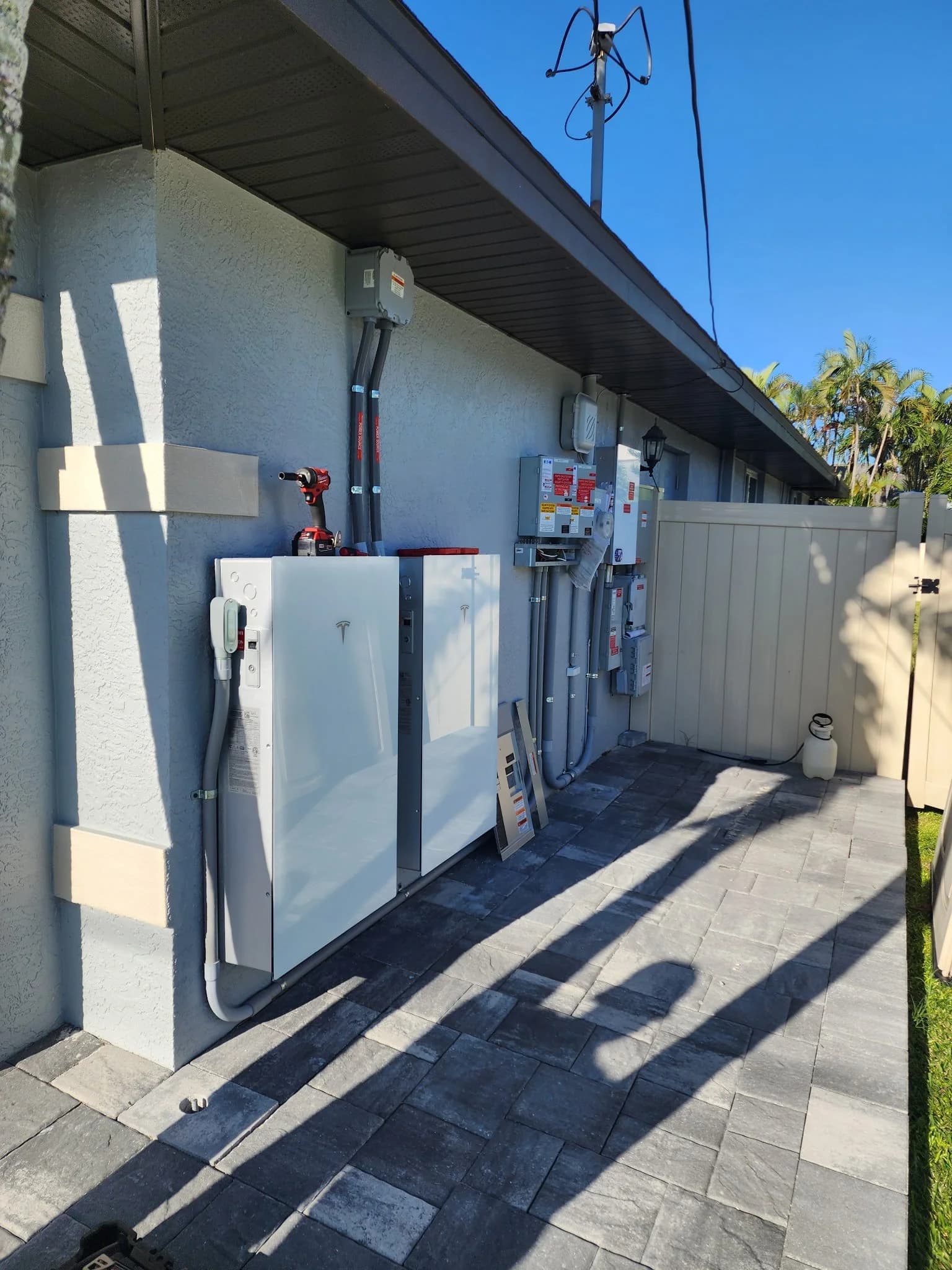
Short answer: As a rough rule across most brands: a solid or slowly pulsing green light means your inverter is doing its job, amber usually means it's limited, waiting, or needs attention soon, and red means a fault that's stopping or reducing production. Blinking patterns and screen codes carry the specifics. The colors are a starting point, not a diagnosis — your manual and monitoring app tell the real story, and anything involving wiring is a job for a qualified tech.
Your inverter is the brain of the system — it turns the DC power from your panels into the AC power your house uses, and it talks to the grid. It's also the one piece that tries hardest to communicate with you, usually through a small status light on the front. The problem is that it speaks in blinks, and nobody hands you the dictionary. Here's the plain-English version.
Brands differ, so treat colors as a first read, not gospel. Enphase, SolarEdge, Tesla, and others each define their own patterns. When in doubt, your model's manual and app are the authority — and a red fault during a sunny day is always worth acting on.
Green: generally good
A solid green light during daylight usually means the inverter is producing normally. A slow, gentle pulse of green is also typically healthy on many microinverter and hybrid systems — it can indicate normal communication or a low-power state at dawn and dusk. If you see steady green and your app shows a normal production curve, you're in good shape. Green at night simply means the electronics are powered even though the panels aren't producing.
Amber or orange: pay attention soon
Amber is the 'not an emergency, but don't ignore me' color. Depending on the brand it can mean the system is power-limited, waiting to reconnect to the grid, running a firmware update, has lost its internet connection, or is flagging a condition that needs review. Often production continues while amber shows. The move here is to check your app: if production looks normal, it may be a communication hiccup; if it's dropping, it's time to have someone look.
Red: a fault that's costing you
Red generally means a fault serious enough to stop or reduce production. Common fault families include grid issues (voltage or frequency out of range — very common after SWFL flickers and outages), ground-fault or arc-fault protection tripping, over-temperature in a hot garage, isolation or insulation faults, and internal hardware failures. A red light on a bright day means you're very likely losing production right now. Note the error code on the screen if there is one — it's gold for whoever services it.
What's safe to check yourself
- Read the light and any on-screen code, and note the time of day — don't open the enclosure.
- Check your monitoring app to see whether production actually stopped or it's just a communication flag.
- Confirm the AC and DC disconnect switches near the inverter are in their normal 'on' position, if you can see them without removing covers.
- See whether it clears on its own after the grid stabilizes — many grid-fault trips reset automatically within minutes.
When to call a pro
If a red fault persists, if the same fault keeps returning, if you smell burning or see scorching, or if the app shows one panel or string dark while others produce, stop self-diagnosing and get a qualified tech. Solar is high-voltage DC; this is not a caulk-and-guess situation. If your original installer is gone — the SWFL special — Assure Protect can read the codes, find the failure, and repair it. Diagnostics start at /assure-protect or (954) 952-0151.
Questions worth asking
- What brand and model is my inverter, and where's the light-and-code guide for it?
- Is this fault stopping all production or just one panel/string?
- Does the fault clear on its own, and how often is it recurring?
- Who can service this brand if my installer is no longer around?
• When this might not make sense
We'd rather lose a sale than put you in the wrong solution. Reasons we might tell you to wait or pass:
- —The light is red and you're tempted to open the inverter or reset breakers repeatedly — repeated resets can mask a real hazard
- —You smell burning or see scorch marks and want to 'watch it for a few days' — that's a call-now situation, not a wait-and-see
Sources
- Home energy systems and microinverter status guidance — Enphase EnergySecondary
- Residential inverter operation and status resources — SolarEdgeSecondary
- Homeowner's guide to going solar — U.S. Department of EnergySecondary
Inverter throwing a fault? Don't guess — get it read.
Assure Protect diagnoses inverter and system faults on any brand, even if your installer disappeared. We'll read the codes and get you producing again. Call (954) 952-0151.